A collection of ComfyUI themes inspired by cyberpunk aesthetics and neon-noir visuals.
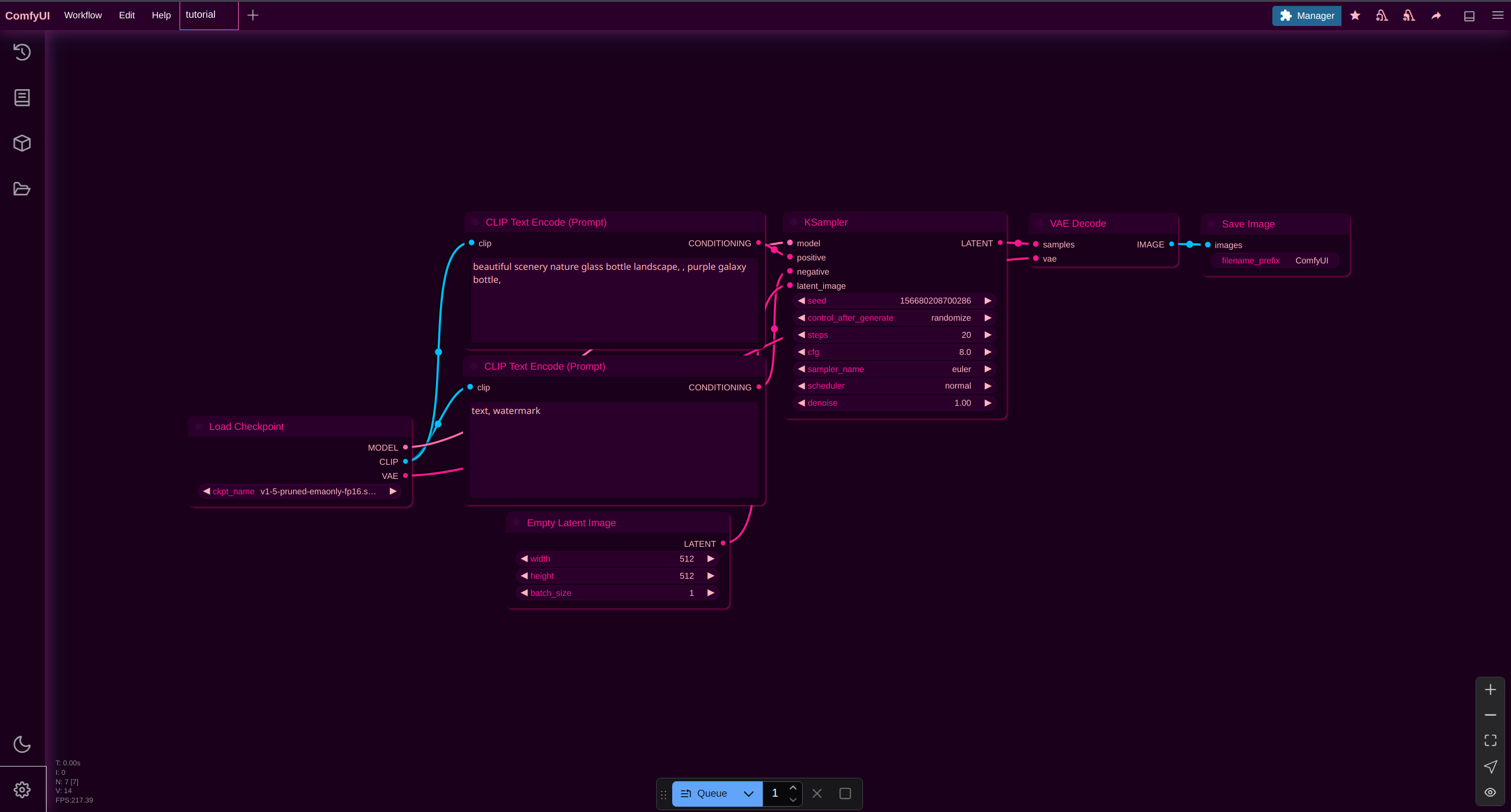
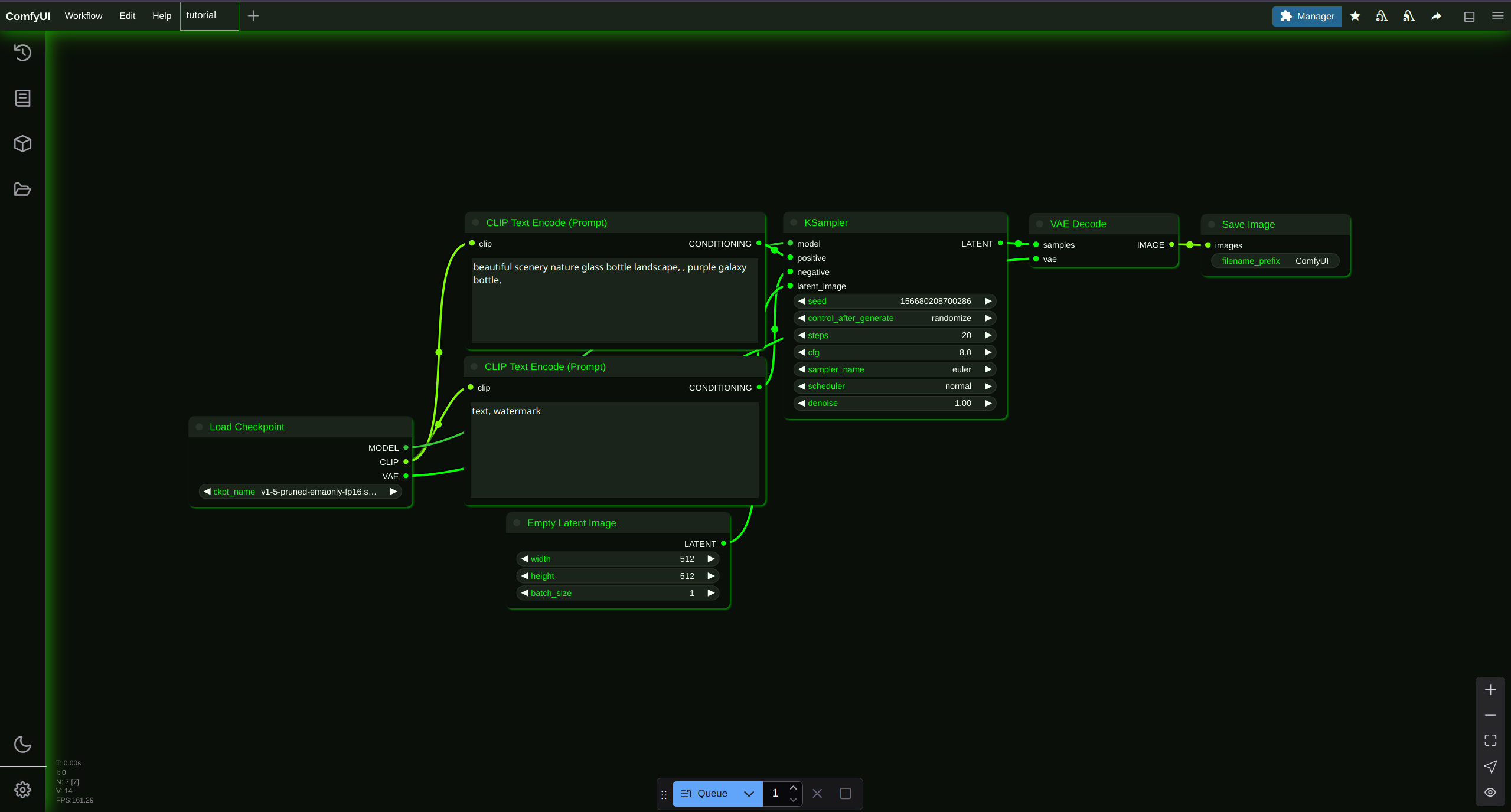
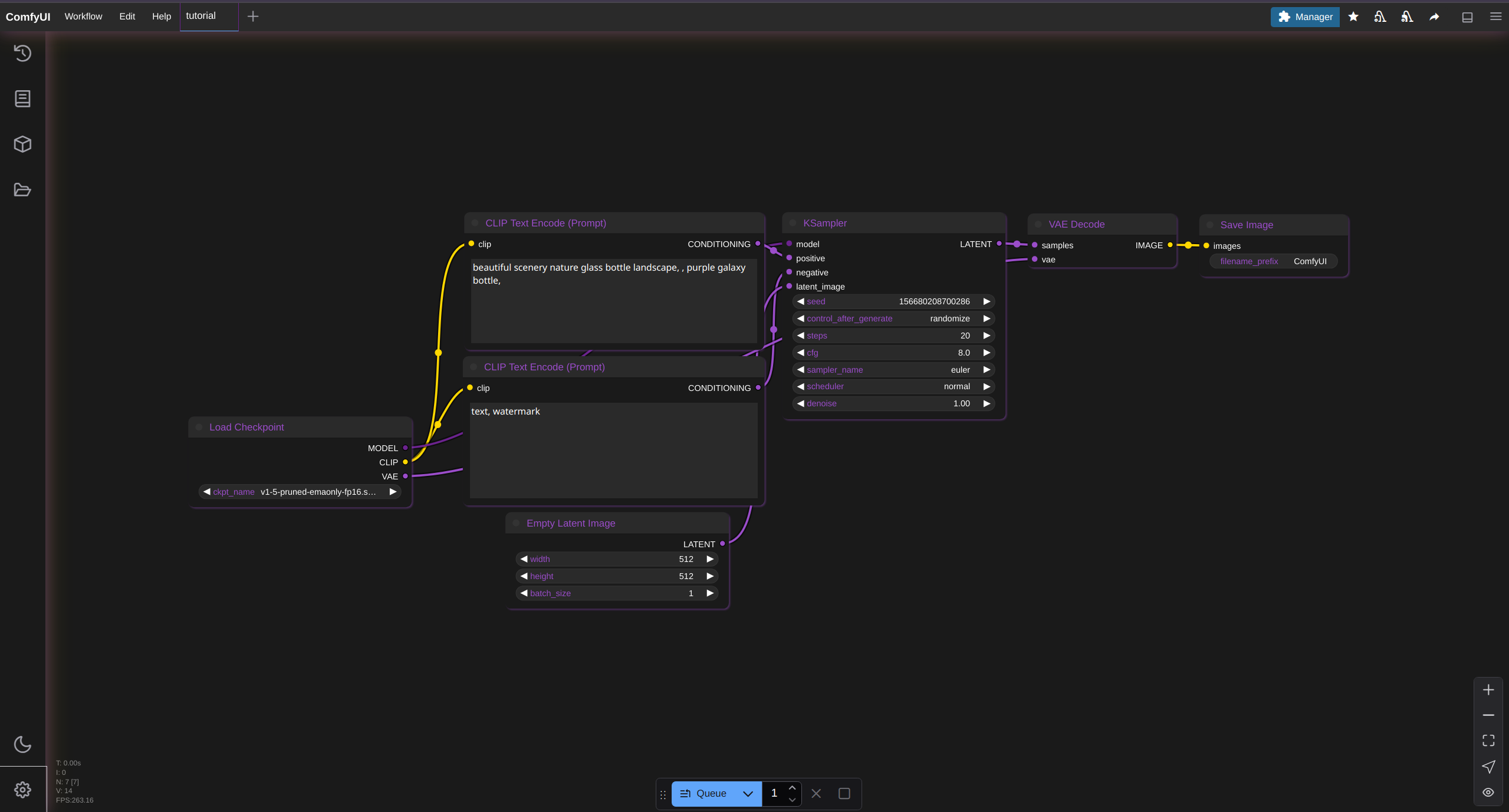
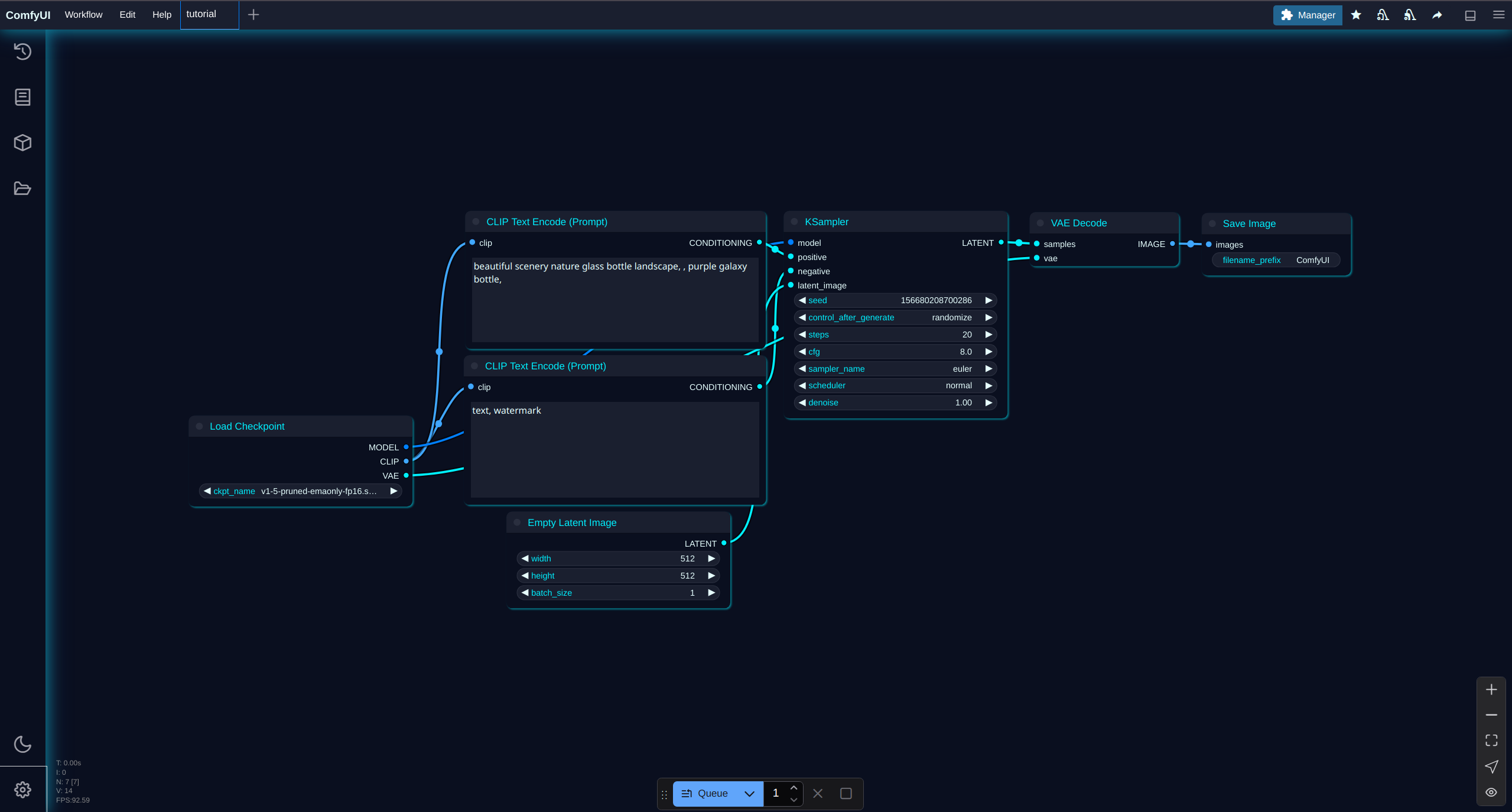
- Cyber Noir - Dark cyberpunk theme with high contrast elements
- Cyber Raspberry - Vibrant pink and blue cyberpunk aesthetic
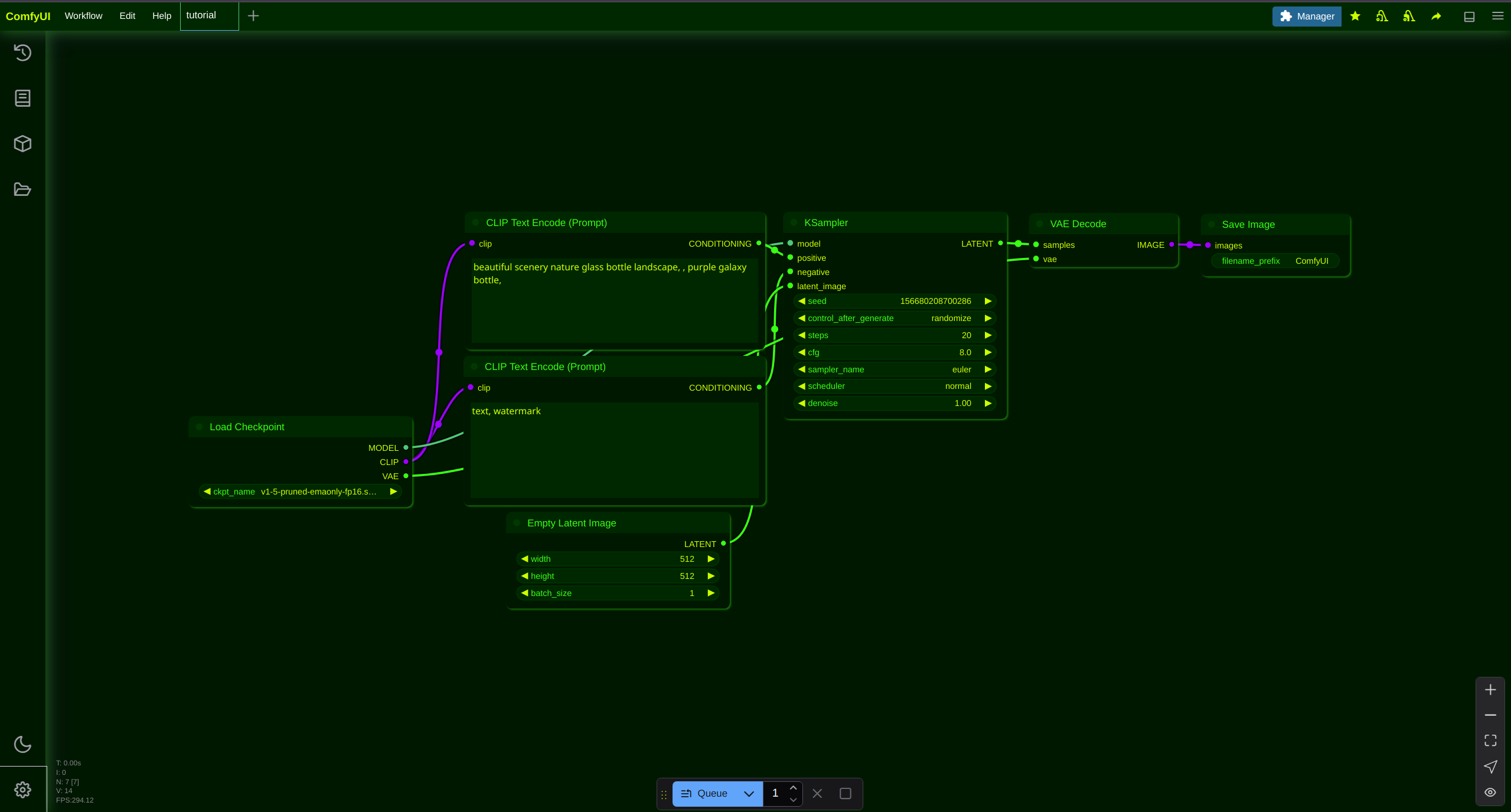
- Matrix Glow - Classic matrix-inspired green on black theme
- Toxic Neon - Bold neon accents on dark background
- Neon Pulse - Dynamic neon colors with pulsing elements
To install a theme:
- Open ComfyUI
- Click the Settings gear icon in the bottom left corner
- Go to the "Appearance" tab
- At the top where it says "Color Palette", click "Import"
- Navigate to this folder and select your desired theme file (e.g.,
cyber-noir.json)
- Name: Pink Pixel ✨
- Website: pinkpixel.dev
- GitHub: github.com/pinkpixel-dev
- Discord: @sizzlebop
- Emoji: ✨
- Tagline: "Dream it, Pixel it"
- Signature: "Made with ❤️ by Pink Pixel"
These themes are part of a larger collection of ComfyUI themes organized for easy access and installation.
Made with ❤️ by Pink Pixel