Using my app is also a way to support me:

































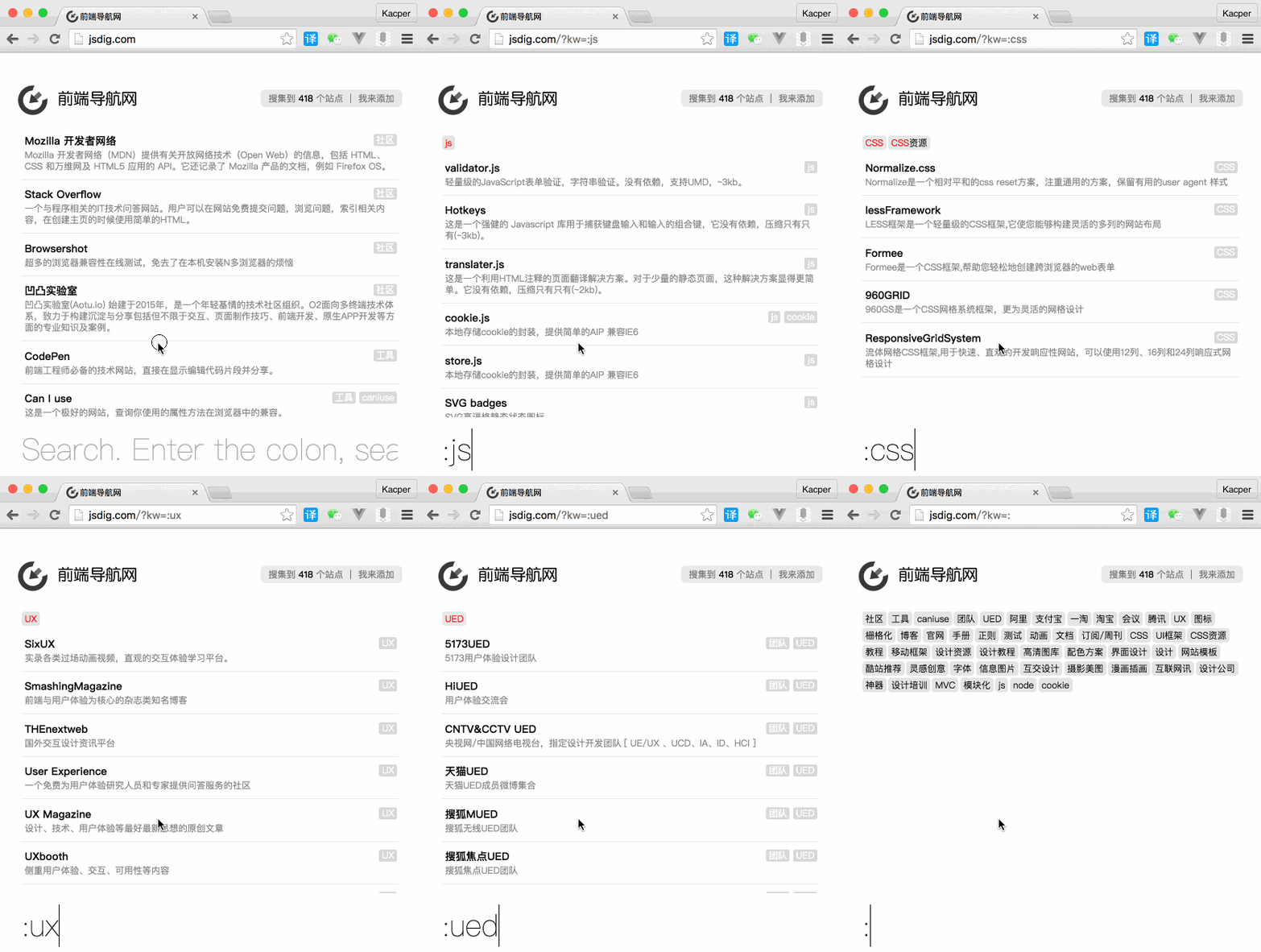
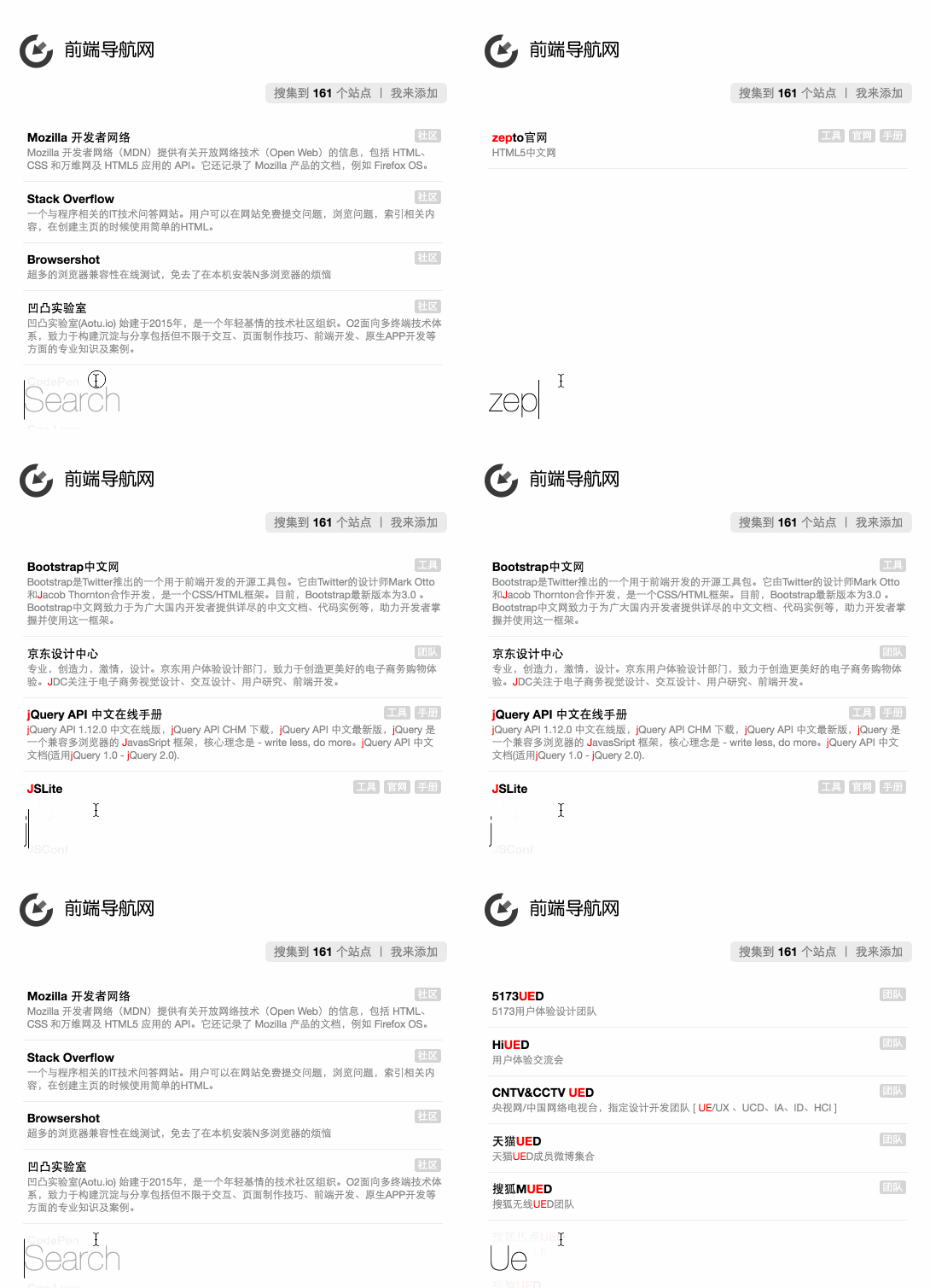
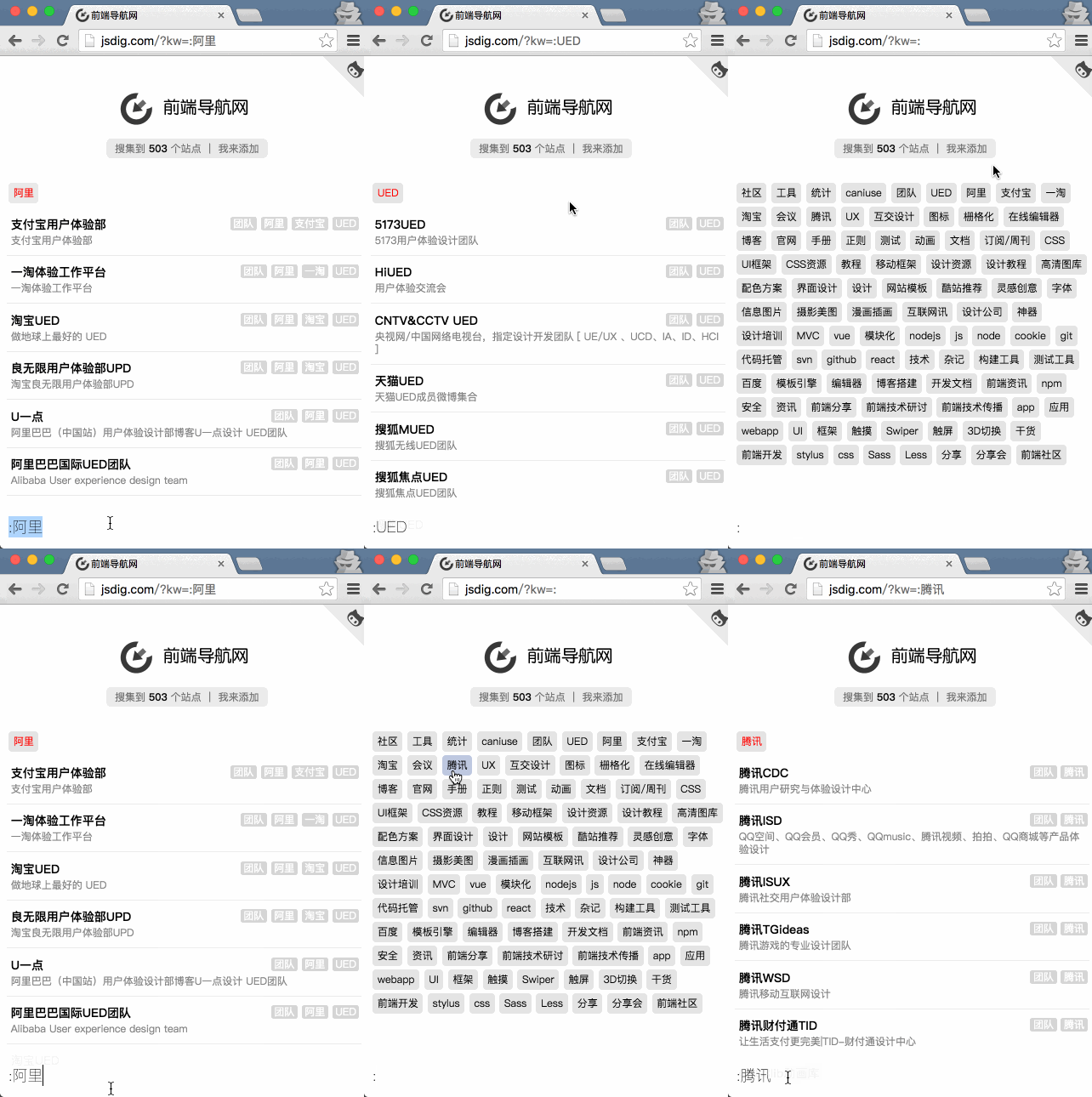
弄个纯静态,便于维护的前端导航站。顺便放一些前端资源。提交网址
npm i @wcj/fedimport data from '@wcj/fed';
[
{
"name":"Mozilla 开发者网络",
"url":"https://developer.mozilla.org/zh-CN/",
"icon":"https://developer.cdn.mozilla.net/static/img/opengraph-logo.dc4e08e2f6af.png",
"des":"Mozilla 开发者网络(MDN)提供有关开放网络技术(Open Web)的信息,包括 HTML、CSS 和万维网及 HTML5 应用的 API。它还记录了 Mozilla 产品的文档,例如 Firefox OS。",
"tags":["社区"]
},
// ....
]
- Fork到自己仓库
- 修改根目录的
data.json文件 Pull requests给我 哈!哈!哈!
{
    // 必填-名字
    "name":"JSLint",
    // 必填-网址
    "url":"http://jslint.com/",
    // 选填-图标
    // => 默认在根目录下的 favicon.ico 可以不填这项
    "ico":"http://easings.net/favicon.png",
    // 必填-可以留空 - 描述说明
    "des":"在线JS校验工具" ,
    // 选填-标签,便于归类
    "tags":["工具"]
}
如果你已经fork了你得先更新上游代码,方法如下:
# 列出远程仓库 URL
$ git remote -v
# List the current remotes (列出当前远程仓库)
# origin  https://github.com/user/repo.git (fetch)
# origin  https://github.com/user/repo.git (push)

# 添加上游仓库URL
$ git remote add upstream https://github.com/otheruser/repo.git
# Set a new remote (设置一个新的远程仓库)

# 再次列出远程仓库 URL
$ git remote -v
# Verify new remote (验证新的原唱仓库)
# origin    https://github.com/user/repo.git (fetch)
# origin    https://github.com/user/repo.git (push)
# upstream  https://github.com/otheruser/repo.git (fetch)
# upstream  https://github.com/otheruser/repo.git (push)

# 获取上游代码
$ git fetch upstream

# 检查你的 fork’s 本地 master 分支,如果不在master 分支就切换到该分支
$ git checkout master
# Switched to branch 'master'

# 合并来自 upstream/master 的更改到本地 master 分支上。
$ git merge upstream/master给我来个 issue 告诉我,数据填写参考方法一。
$ npm install
$ npm run build
$ npm run watch:css
$ npm run watch:js
$ npm run server
