


I started this project a long time ago because I made heavy use of the Scratch editor: I created many projects, most of which didn't ever get finished or publicly released. Since I was also getting into web development back then, it made sense for me to style the editor and learn CSS (the coding language in which you define the alternative styling) along the way. By doing that, I not only improved my coding skills outside the blocky coding nature of Scratch, but it also led me to an overall nicer editing experience with the dark styling when I did actually use the editor. When I saw many people asking for a dark mode on the forums, it just made sense for me to publish my work and let others enjoy it too.
Since then, I've gotten significantly better at programming and I've lost most of my interest in Scratch. It doesn't make sense for me to keep updating this userstyle and to repair it every time it breaks (a.k.a. whenever the Scratch team decides to push an update to their editor, changing the CSS class names and therefore also invalidating my styling). I just don't use Scratch enough for it to be worth my time and I'm not actually learning anything new by keeping it up-to-date, unfortunately.
Besides, there are other alternatives now. Scratch Addons provides the dark mode experience, and more, with more customisability and flexibility. Due to the nature of it being an extension on its own, it's also way more powerful so it can style and change things in ways this userstyle never could. And if you don't want that, maybe there are some other developers out there who created a more up-to-date style, just waiting for you to install and enjoy it. You'd never know until you check ;)
Thanks for everything!
~ Thiibo
This repository is intended to keep track of all changes made to my userstyle called 'Scratch Dark Editor' since update 3.0.0. I am welcome to any feedback regarding how the style could be improved. Do note that since this is a userstyle, it can only really make use of CSS to make changes to the editor. If you are looking for a way to add more features (like higher fps for your project), I advice you to look elsewhere. There are many other extensions and websites that will do exactly that. This project is only meant to alter the appearance of the editor, but not to add any further changes. To also make the website itself look somewhat darker, I would like to suggest you to try Dark Theme for Scratch, a userstyle made by Eribetra.
Want to code with Scratch, but the editor is too bright? Then you have come to the right place! This style will make the online Scratch (3) editor darker so you can code in peace.
🎨 It offers four different themes:
- Classic for users that want a standard dark mode experience
- Deep Black for the ever-loving night coder
- Sea Blue for people that want to look beyond the shades of gray
- Aquarium for if Sea Blue doesn't quite cut it for you
🌈 You can even change the default blue and orange to different custom theme colors!
🖼️ And finally, you can set a nice background image to really show that you mean business.
To install, please use a style manager extension like Stylus or a userscript loader like Tampermonkey. You can install this userstyle on UserStyles.org (as a style/userscript) or by going to the Releases page of this project.
Alternatively, you can generate these files yourself by cloning this repository and running one of the following scripts:
- build/exportStatic.py will generate a static CSS file (in the /dist directory) with the options provided. Use
python3 build/exportStatic.py --helpfor more information. - build/exportUserCSS.py will generate a user.css file, also in the /dist directory
- build/installUserCSS.py will run build/exportUserCSS.py and open it automatically in your default browser by using build/openUserCSS.html
The folder /style contains all of the actual css files. Run build/watch.py to watch this directory and to compile to a user.css file on changes. You can open this user.css file in your browser and use the feature 'live reload' of Stylus to automatically update the style while editing. The script build/settings.py contains instructions on how the CSS files should be compiled depending on the preferences of the user. Please change this script if you want to edit these preferences.
The images used in this project are attributed to the following users:
- Space 1: qimono (link to image)
- Space 2: WikiImages (link to image)
- Cat 1: bambi2192 (link to image)
- Cat 2: Pexels (link to image)
- Dog 1: moshehar (link to image)
- Dog 2: ElvisClth (link to image)
- Horse: christels (link to image)
- Wolf: christels (link to image)
- Venice: -inactive account- (link to image)
- Red rose: moshehar (link to image)
- Chess: Pexels (link to image)
- Soccer/Football: CoxinhaFotos (link to image)
- Hacking: Gordon Johnson (link to image)
- UFO: Thomas Budach (link to image)
- Minecraft: valeravenegretvv (link to image)
- Roblox: svettyk86 (link to image)
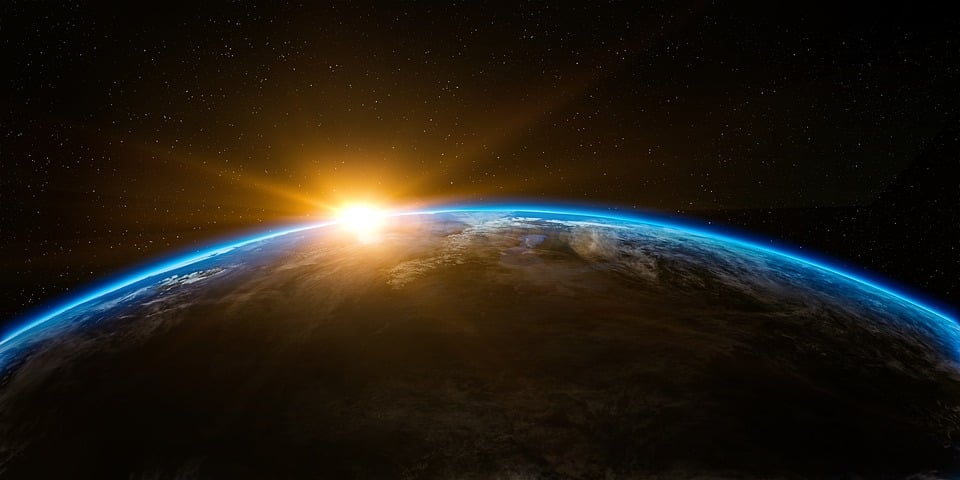


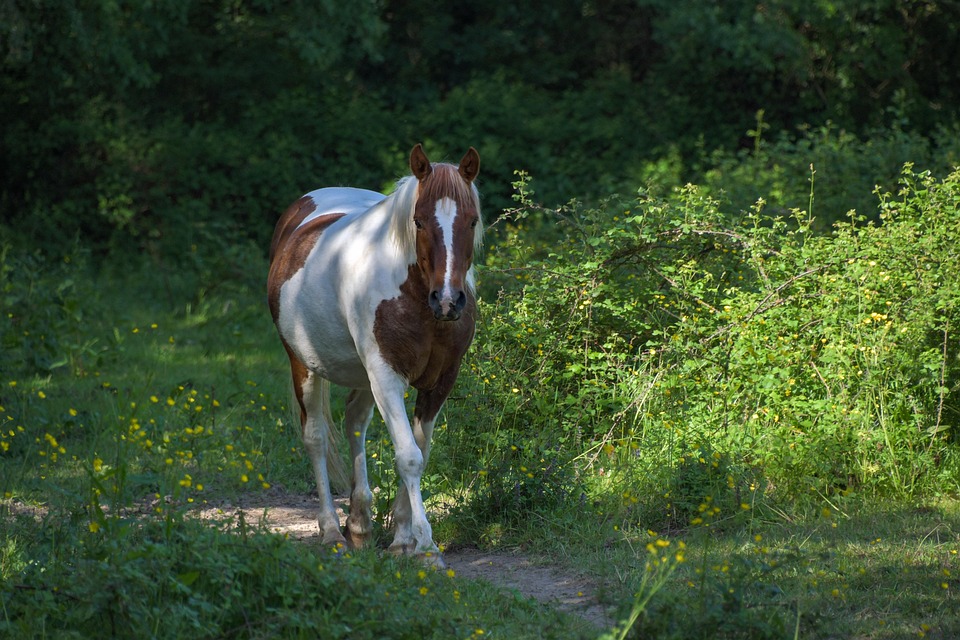


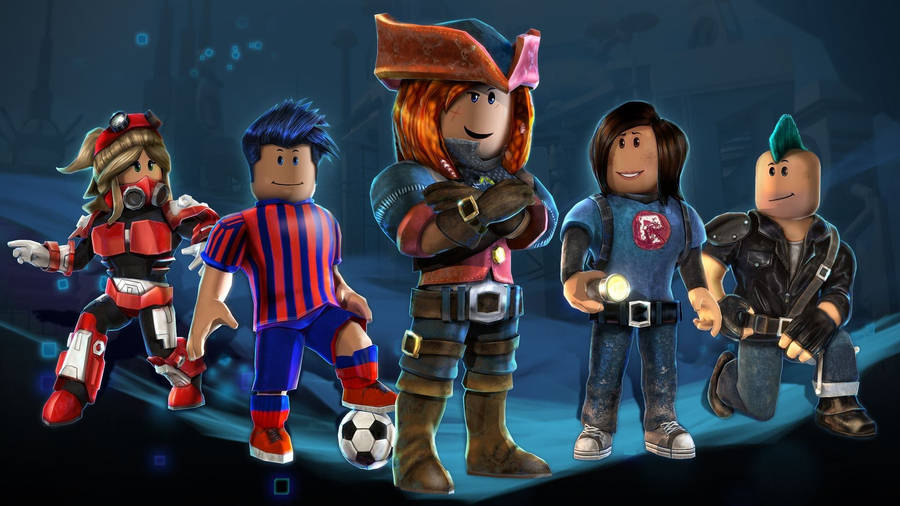
If you feel that an image is misattributed or if you are the owner of one of these images and you do not want to include your work in this project, please open an issue in this repository.