SD-Card is required for this project to work
- Auto load music on specific directory (default: /Music)
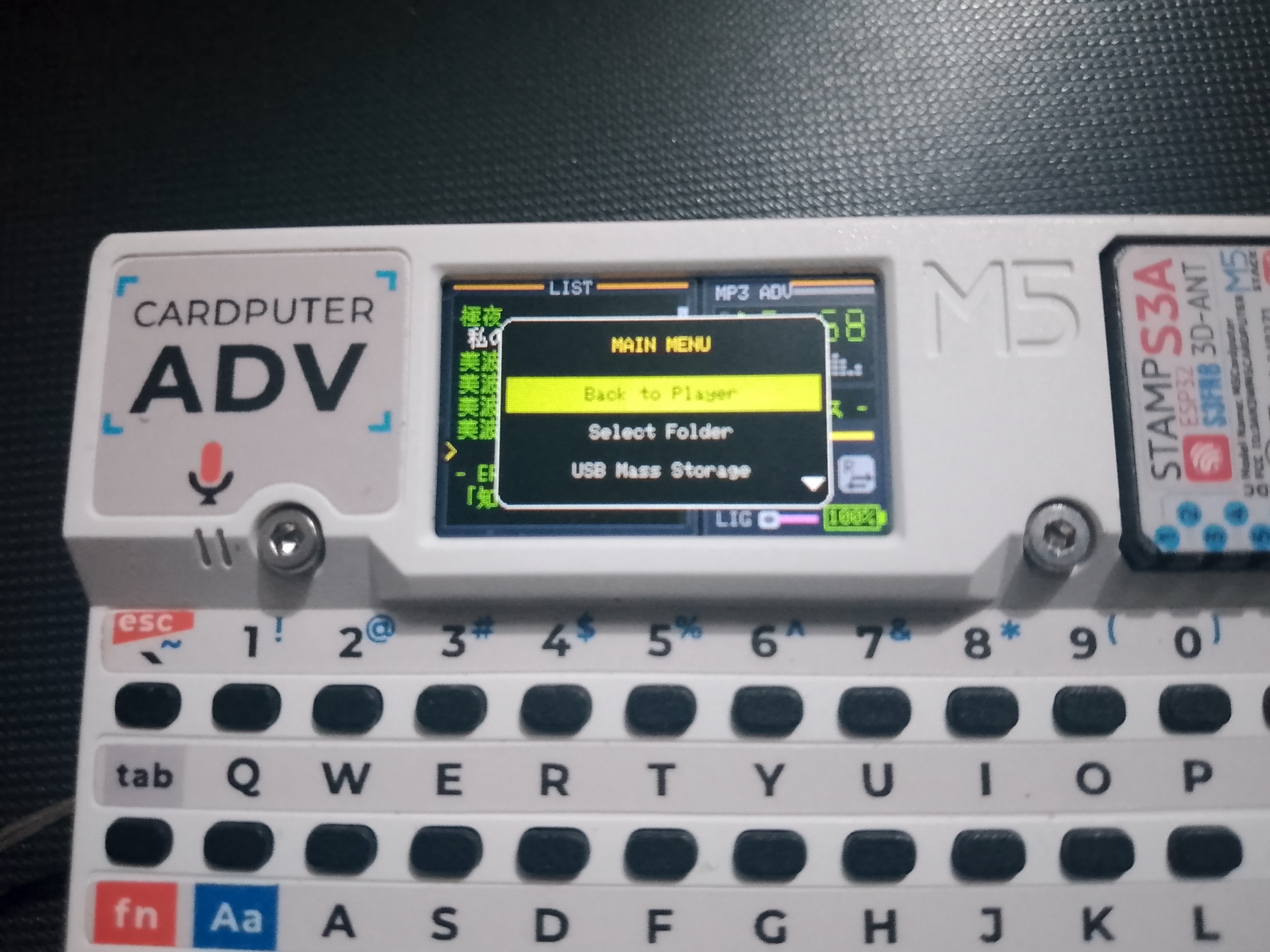
- Main menu
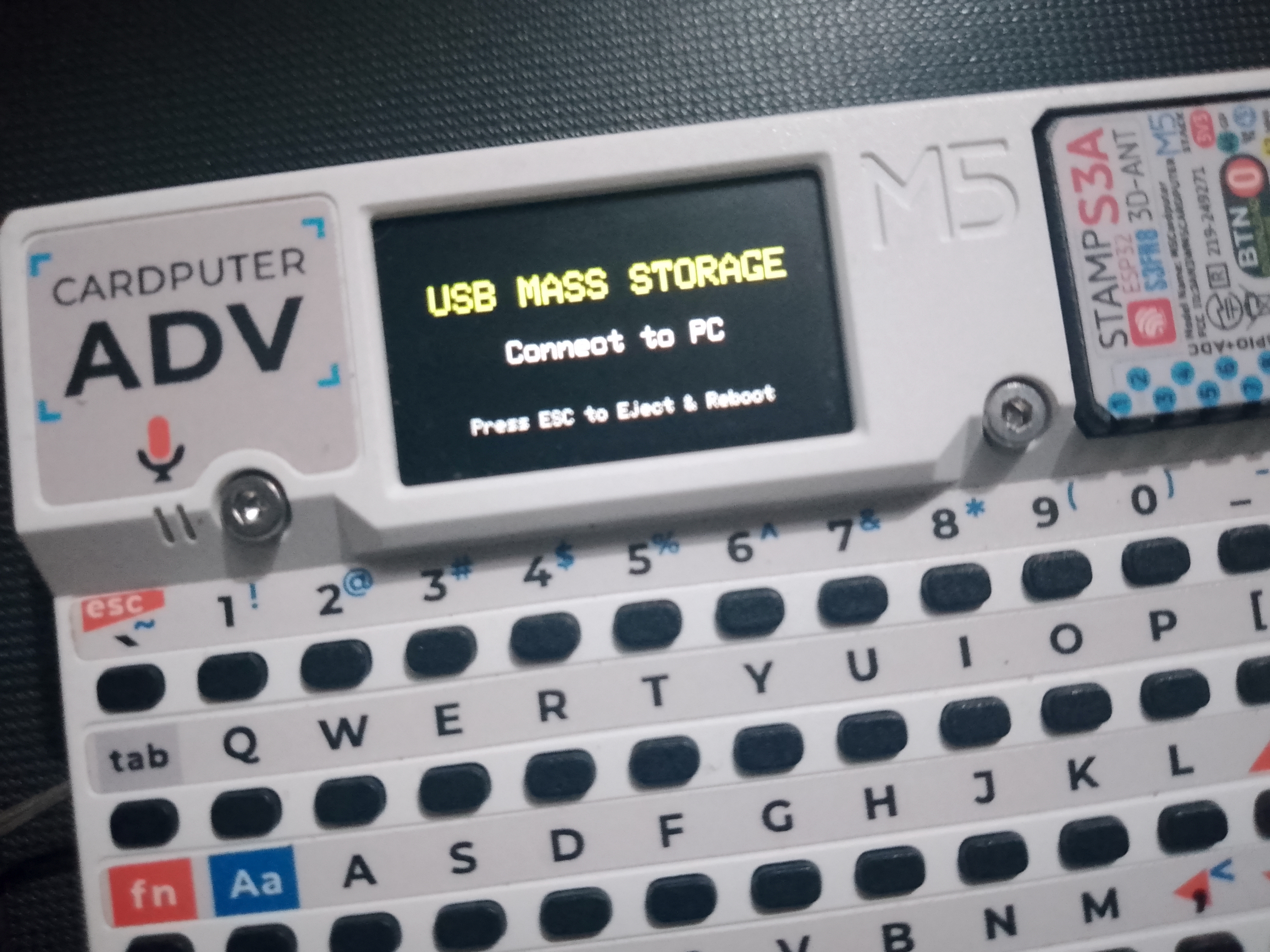
- USB Mass Storage (MSC)
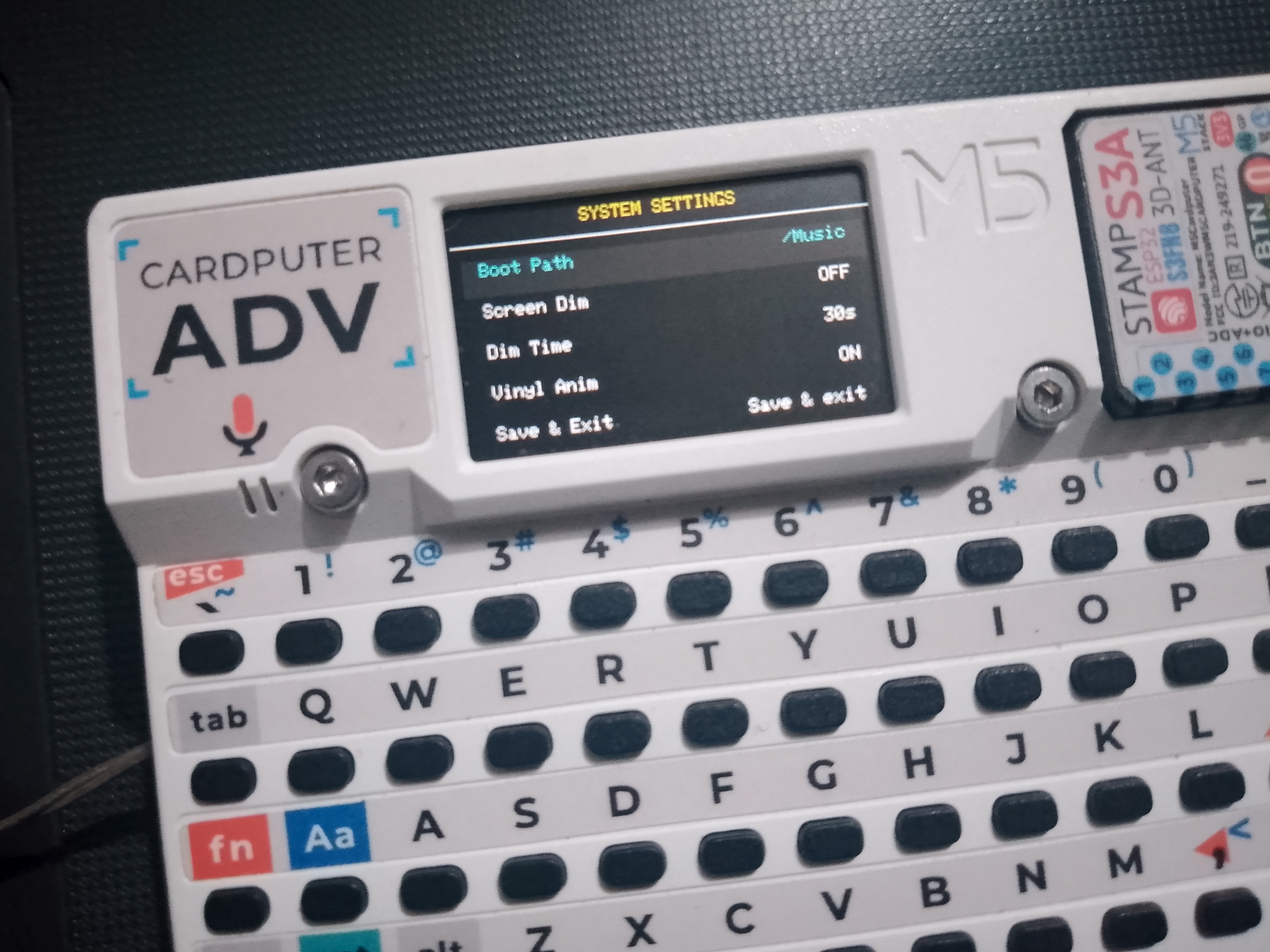
- Settings
- Arrows < and > to change, press enter for music boot path
- Set default music boot path
- Set screen dim ON/OFF
- Set Screen dim timeout
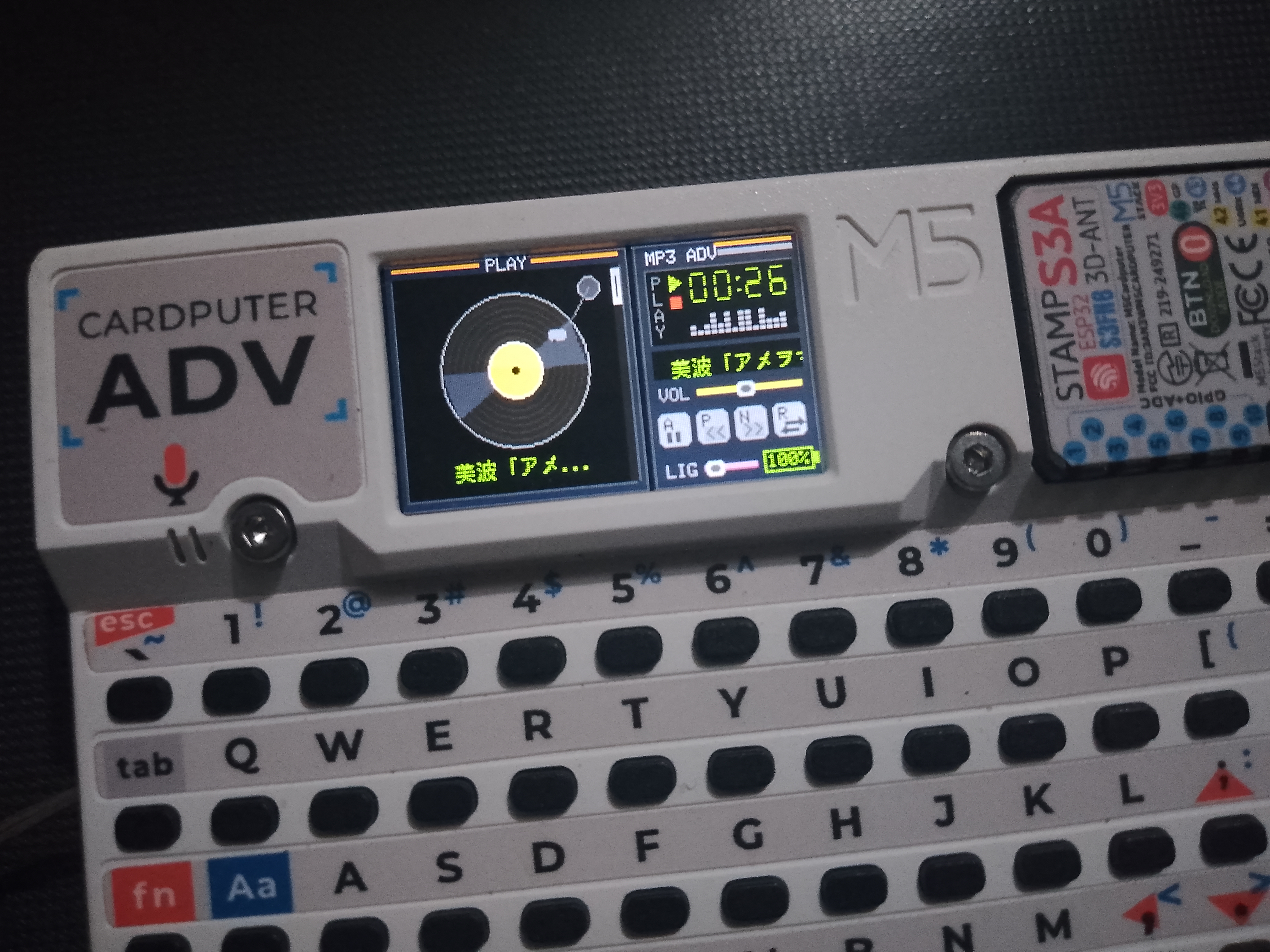
- Vinyl Anim ON/OFF
- Press physical BtnA to instantly play a random track
- Pause and open menu ('`' or esc key)
- Open Folder browser (backspace or delete key)
- Dim screen toggle ('t' key)
- Start USB Mass storage mode (ctrl + 'u') or from menu
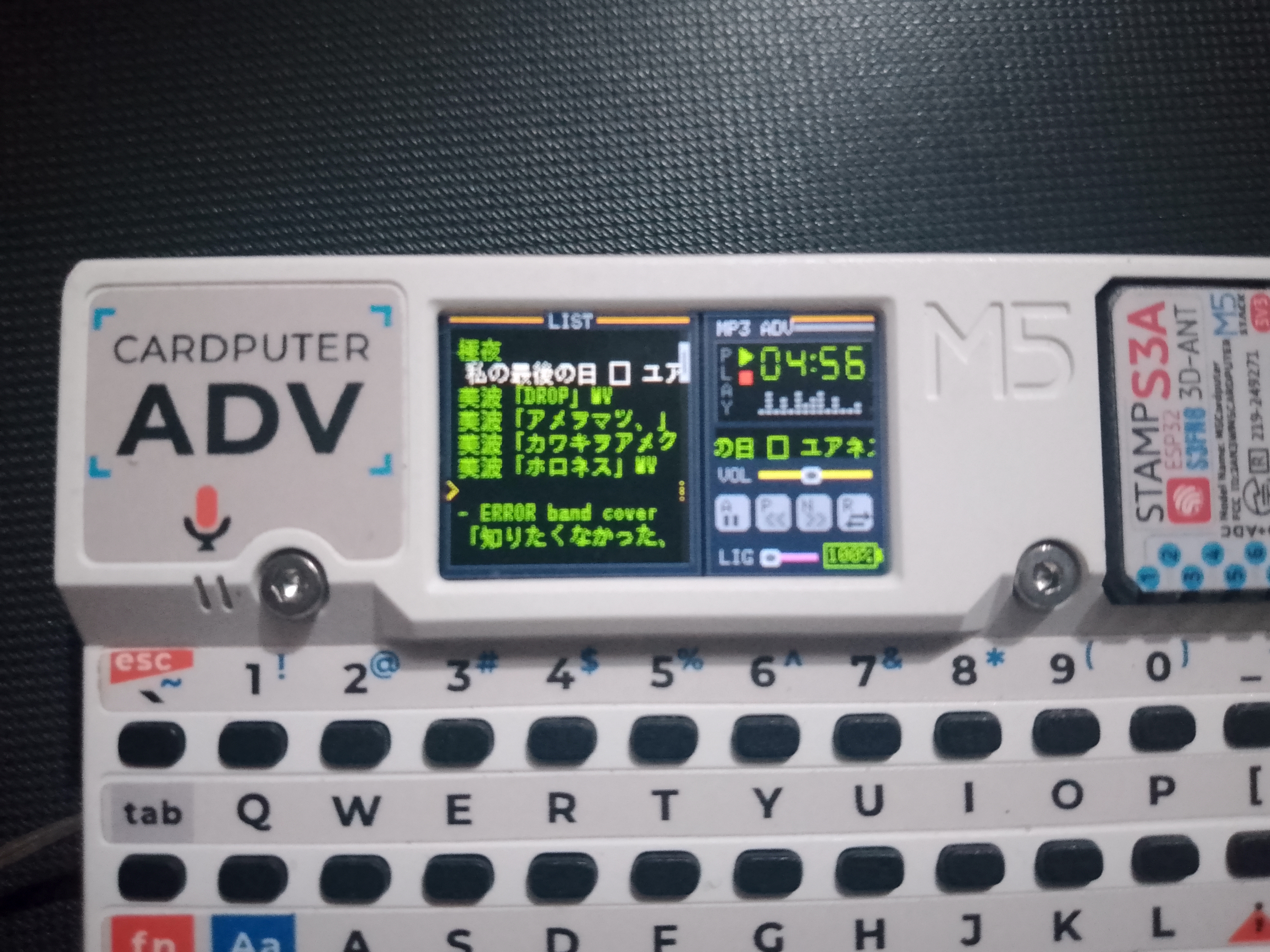
- Supports Japanese characters
- Supports hold up/down btn for scrolling
- Play/Next/Random/Pause Animation Feedback
- Better Pause Indication
- Fixed battery percentage constant changing
Here are some screenshots showing the Mini MP3 Player in action: